
Default Schema Columns
The information on this page relates to the new upgraded interface of the IConduct platform. To view information about the Classic version of the user interface, follow this link.
When creating a new task, the IConduct platform automatically generates a Schema, that is listed in the Navigation Pane. The new schema comes with four automatically generated default columns (fields):
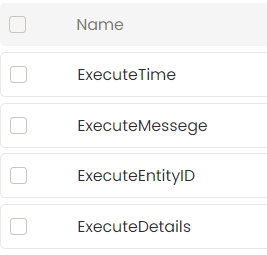
New Schema Columns
- ExecuteEntityID – Holds the entity ID.
- ExecuteMessage - Shows the action taken on the entity.
- ExecuteStatus – Holds the status of the action (an integer):
- = No action was taken
- = Error
- = Success
- = Unhandled error
- ExecuteTime – The time when the action was taken.
The user may add extra columns as necessary.